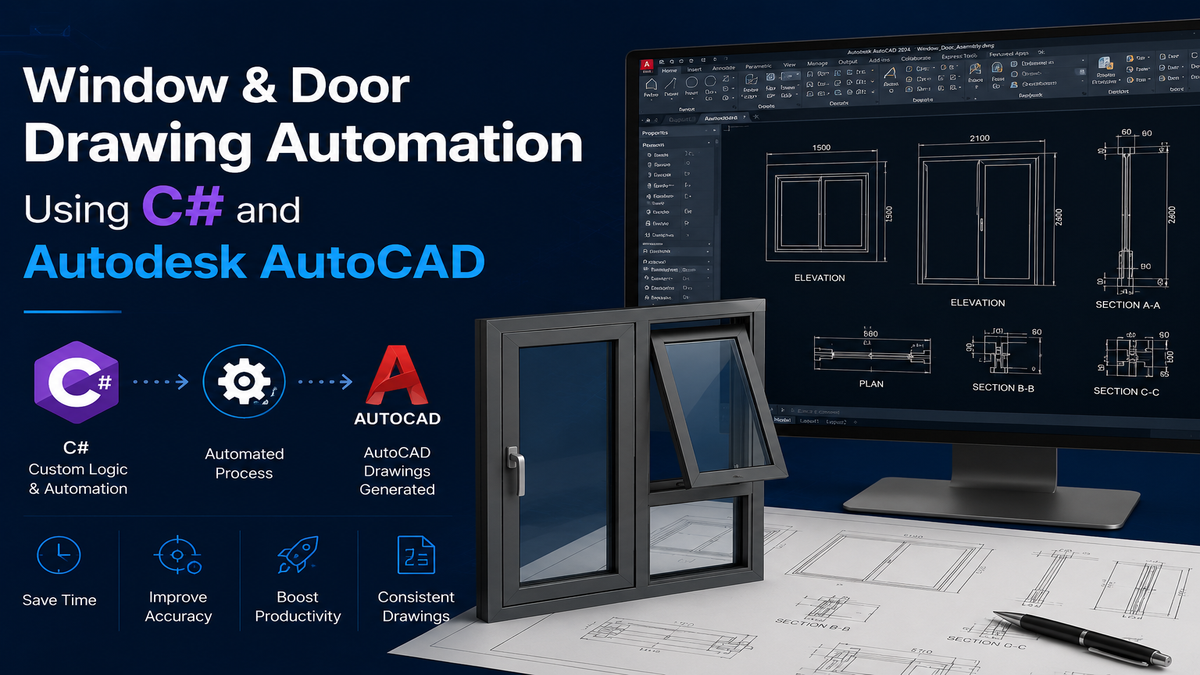
Window & Door Drawing Automation Using C# and Autodesk AutoCAD
Views:25
Introduction Creating window and door drawings manually in CAD is often repetitive and time consuming, especially when multiple size variations are involved. Even small changes requires resizing, adjustments, and rechecking dimensions, which increases effort and chances of inconsistency. To simplify this workflow, we developed a Window & Door Drawing Automation Tool using C# with AutoCAD API. This tool enables users to generate and resize drawings dynamically using simple commands and parameter inputs.
System Overview The automation is implemented as a custom AutoCAD add-in. Users begin by loading the compiled .dll file into AutoCAD using the NETLOAD command. Once loaded, dedicated commands allow quick access to window and door automation features, making the process seamless and efficient.
Window Automation Workflow For window design, the tool provides a command-driven approach:
Launch the tool using the command: “UPDATEWINDOW”.
A form appears to input width and height.
After entering values, the window block updates automatically.
The system dynamically resizes the window block to match the given dimensions, ensuring accurate proportions without manual scaling or editing.
Door Automation Workflow Similarly, door drawings can be generated and modified using a simple command:
Run the command: “CREATEDOOR”.
Enter width and height in the door dimension form.
The door updates instantly based on the input values.
This eliminates the need to redraw or manually adjust door components for every size variation.
Parametric Behaviour At the core of this tool is a parametric logic system, where geometry adapts based on user inputs.
Dimensions drive the shape and size of the block.
Updates happen instantly without manual intervention.
The same base design can be reused for multiple configurations.
This ensures consistency across all drawings while enabling fast iterations.
Key Benefits
Time Efficiency – Instantly update window and door sizes.
Accuracy – Eliminates manual resizing errors.
Consistency – Maintains standard design proportions.
Ease of Use – Simple command-based workflow.
Conclusion The Window & Door Drawing Automation Tool transforms traditional CAD drafting into a faster and more reliable process. By combining command-based execution with parametric resizing in AutoCAD, it allows designers to generate and modify drawings effortlessly—reducing manual work while improving precision and productivity.