1. Introduction
Creating base plates and connection plates manually in CAD drawings is often repetitive and time-consuming, especially when dealing with complex structural layouts and multiple column configurations. Even minor design modifications require recalculating dimensions, repositioning plates, and verifying clearances, which increases engineering effort and the possibility of errors and inconsistencies.
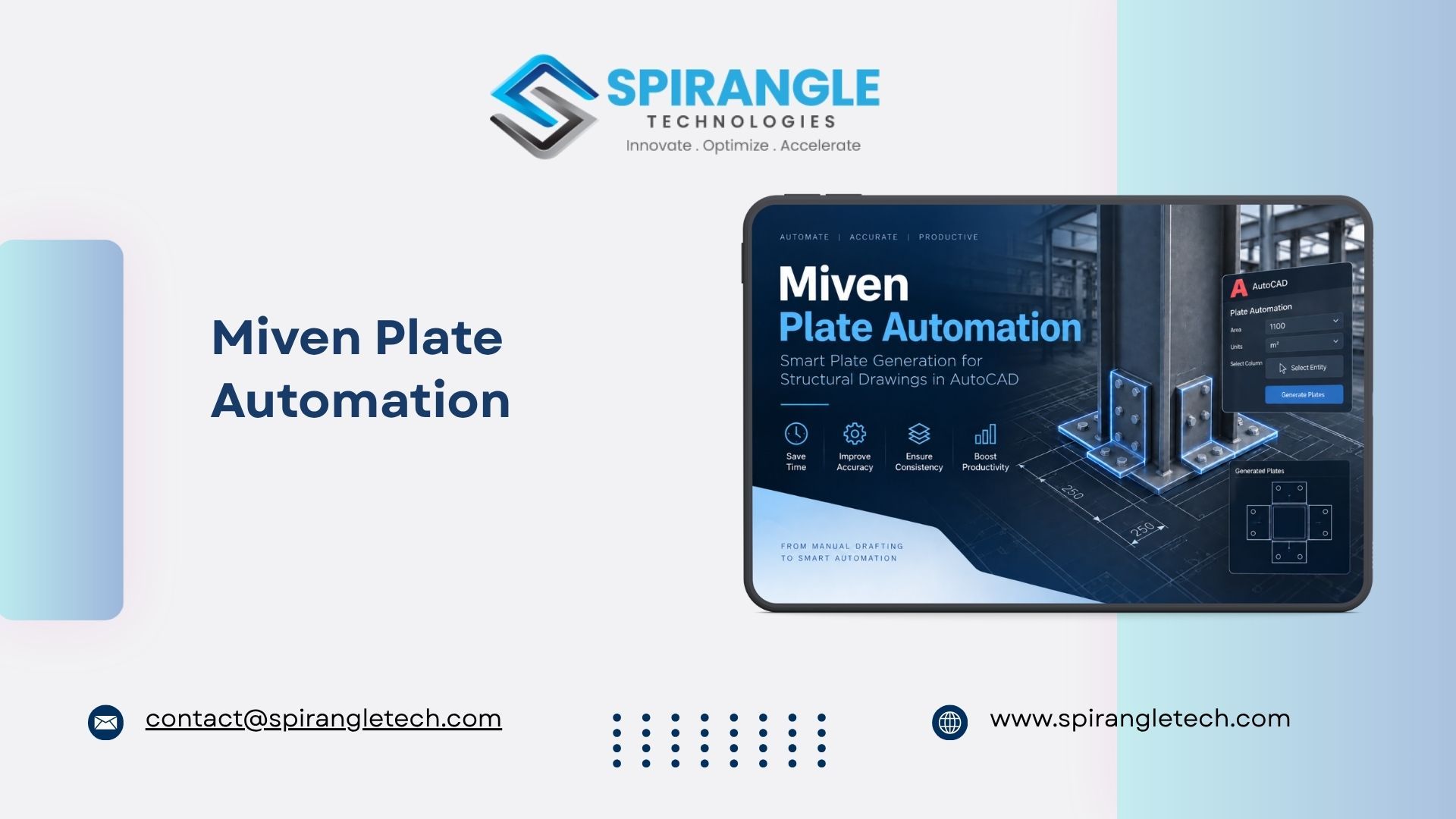
To simplify this workflow, we developed a Plate Automation Tool using C# and AutoCAD .NET API. This tool automatically generates plates around structural columnsbased on geometry, dimensions, and predefined design rules, significantly reducingmanual drafting efforts and improving productivity.
2.System Overview
The automation is implemented as a custom AutoCAD add-in.Users begin by loading the compiled .dll file into AutoCAD using the NETLOAD command. Once loaded, dedicated commands allow users to automatically generate plates for selected columns and structural members.
The system analyzes the selected geometry, identifies the required plate positions, and creates plates dynamically without manual drafting.
3. Miven Plate Automation Workflow
- Launch the Plate Automation command.
- Select the required structural column or geometry.
- The system analyzes the column boundaries and connected members.
- Plate dimensions and positions are calculated automatically.
- Plates are generated and placed at the appropriate locations.
- Text labels and dimensions are added automatically
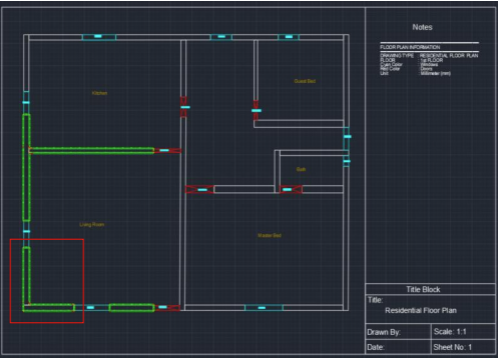
User Interface :
Input :
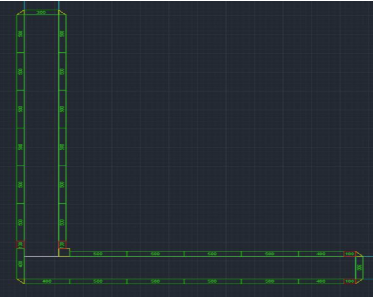
output :
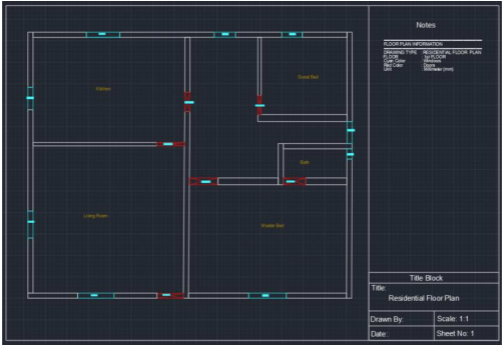
The detailed view provides a clear view of the selected entity.
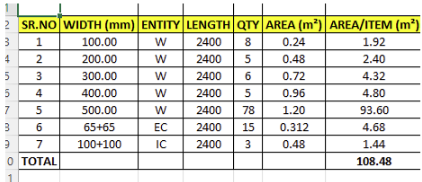
Report :
4.Intelligent Geometry Processing
The automation engine uses geometric calculations and CAD APIs to make intelligent decisions:
- Detects the smallest and largest sides of columns.
- Identifies connected structural members.
- Calculates plate length and width automatically.
- Prevents duplicate and overlapping plate generation.
- Supports various column shapes and orientations.
5.Parametric Behaviour
At the core of this tool is a parametric and geometry-driven logic system.
- Plate dimensions are derived from the selected geometry.
- Plates update automatically based on structural configurations.
- The same logic can be reused for multiple projects and drawing layouts.
- Geometry adapts dynamically without manual intervention.
6.Advantages
- Accuracy – Eliminates manual calculation and drafting errors by using predefined geometric rules and automation logic.
- Time Efficiency – Automatically generates and places plates within seconds, significantly reducing design time.
- Consistency – Ensures standard plate dimensions, placement, and orientation across all structural columns.
- Productivity – Minimizes repetitive engineering tasks and allows engineers to focus on design and analysis.
- Scalability – Supports multiple column configurations and can process large drawings efficiently.
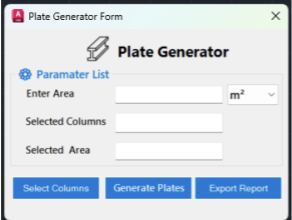
- User-Friendly Interface – Provides a simple parameter-driven UI for entering area, units, and column selections.
- Reporting – Generates reports for created plates, improving documentation and traceability.