Model Setup & Family Automation
Automate project setup, family placement, parameter updates, family management, and repetitive model configuration tasks to establish consistent BIM models faster.
We build custom Revit automation that removes repetitive BIM work. Using the Revit API, Dynamo, and Autodesk Platform Services, we deliver everything from lightweight Dynamo scripts to full cloud-based batch processing across hundreds of files — built around your firm's own templates and standards, not a one-size-fits-all plugin. The result: faster documentation, fewer errors, more consistent models, and engineers who spend their time designing instead of doing BIM upkeep.
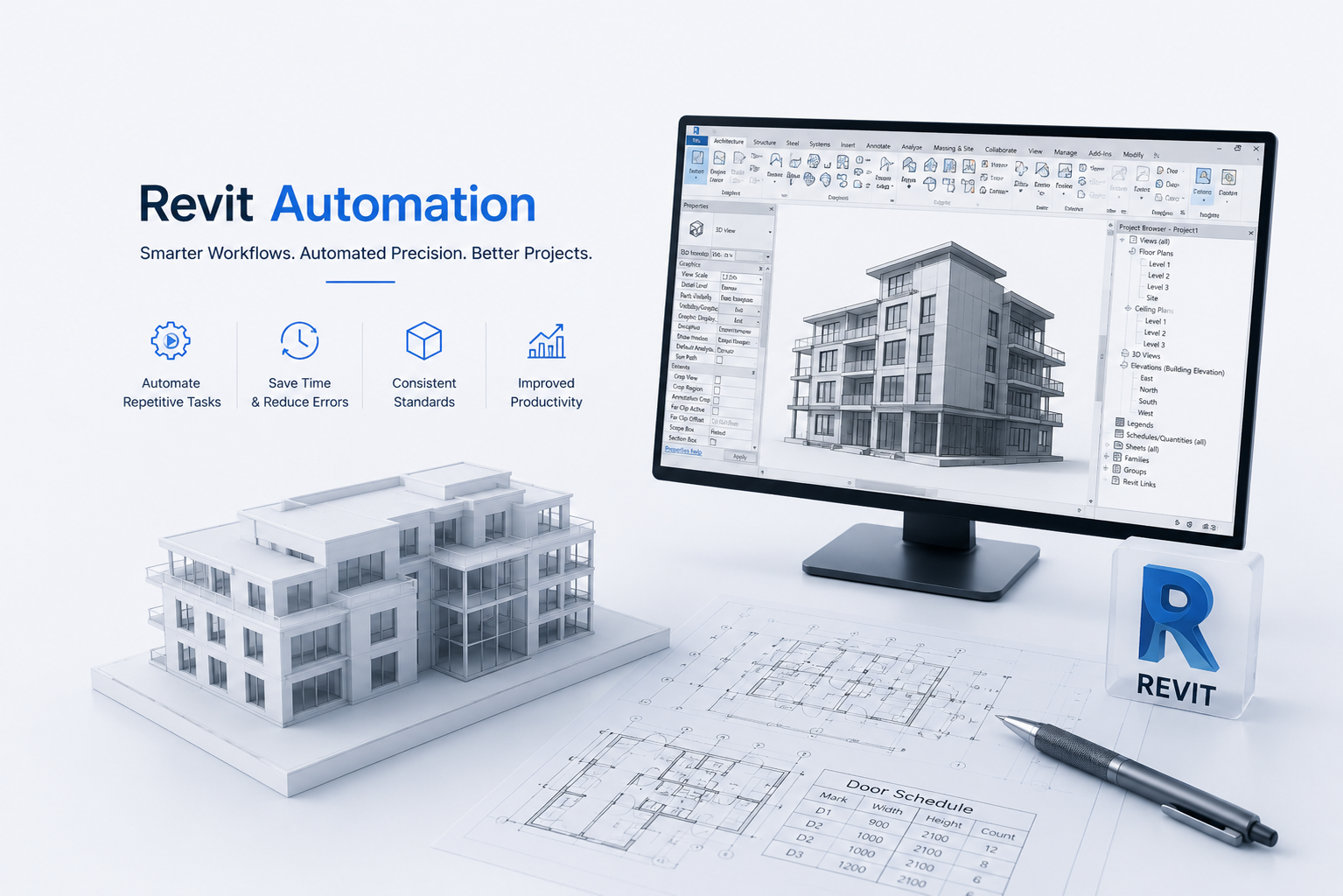
Revit design automation is the use of software, scripts, APIs, rules, and configurable workflows to perform tasks that would otherwise require repetitive manual work inside Autodesk Revit.
A Revit automation solution can read and modify model elements, update parameters, create views and sheets, generate families, validate BIM standards, export files, produce reports, and connect Revit with external databases or business applications.
Years in Business
Technologies & Platforms
Happy Clients
Projects Delivered
Authorized Autodesk Service Partner with direct access to platform APIs and technical resources.
Founder-led engineering practice with deep domain expertise across CAD platforms.
In-house training programs that keep our developers updated on major CAD APIs and technologies.
Enterprise-grade delivery process with dedicated QA before solutions reach production.
From family libraries to enterprise integrations, we scope automation around the workflow that's actually slowing your team down.
Automate project setup, family placement, parameter updates, family management, and repetitive model configuration tasks to establish consistent BIM models faster.
Automate view creation, sheet generation, tagging, dimensioning, annotation, drawing updates, and documentation workflows to reduce repetitive drafting effort.
Automate model auditing, BIM standards validation, parameter checking, data cleanup, naming conventions, and quality-control workflows across Revit projects.
Develop custom Revit add-ins, Dynamo graphs, and rule-based automation workflows tailored to your firm's templates, standards, and engineering processes.
Connect Revit workflows with Autodesk Platform Services, Autodesk Construction Cloud, external databases, business applications, and cloud-based batch processing systems.
Replace repetitive Revit tasks with automation built around your firm's own templates and standards.
Spirangle delivers CAD customization, automation, integration, migration, plugin development and API solutions across leading CAD platforms and their native development technologies.





All product names, logos and trademarks are the property of their respective owners and are used only to identify supported software platforms.