Text, Block & Attribute Renumbering
Renumber selected text objects, block references, and block attributes to update drawing identifiers without editing each object individually.
Renumber text, blocks, and attributes in AutoCAD using configurable numbering sequences, starting values, increments, prefixes, and suffixes. Simplify repetitive numbering tasks and maintain consistent drawing documentation.
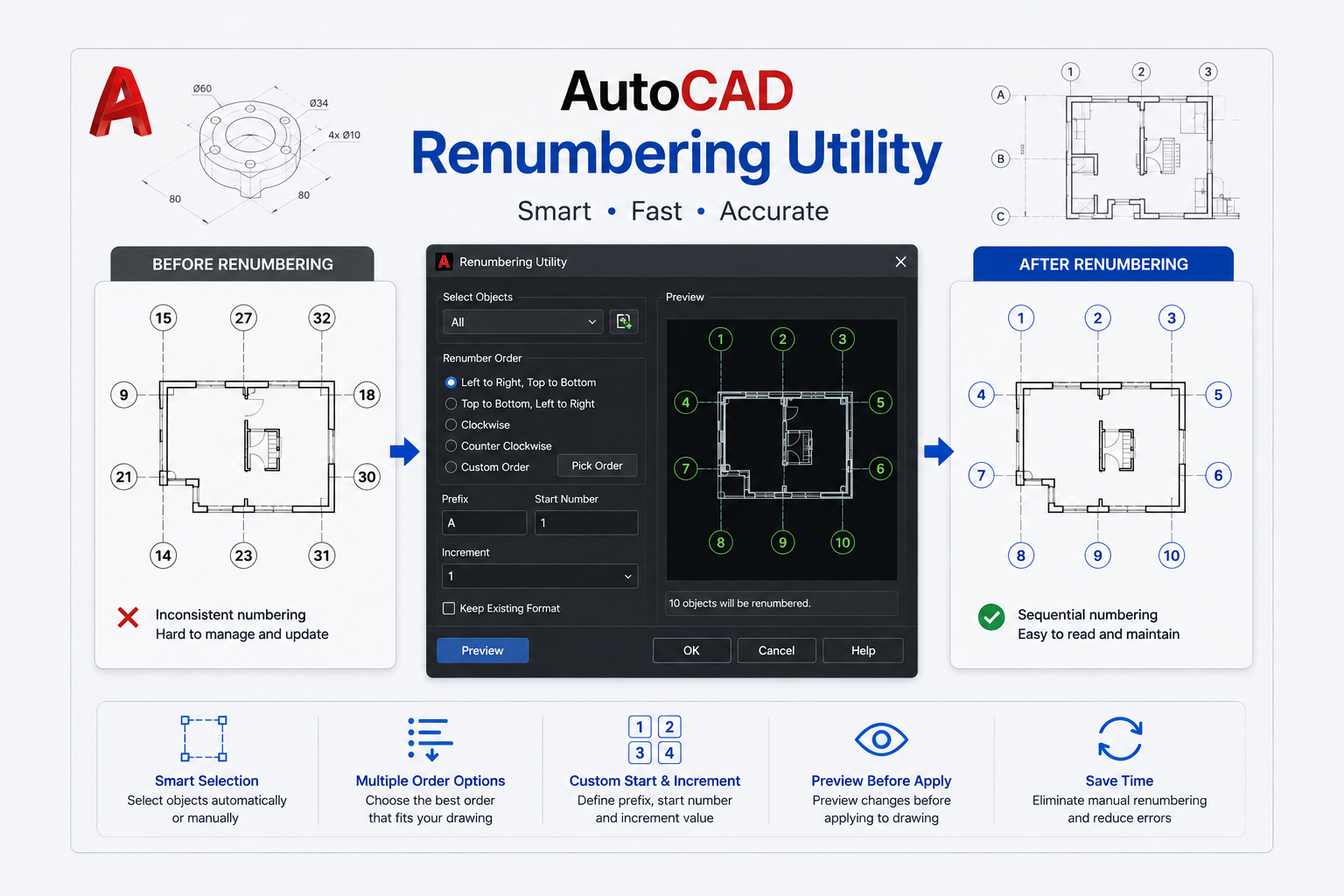
The AutoCAD Renumbering Utility automates repetitive numbering tasks in AutoCAD drawings. Renumber selected text, blocks, and attributes without manually editing each object.
Configure numbering sequences with a starting number, increment value, and optional prefixes or suffixes. Use numeric or alphanumeric sequences to match project-specific numbering conventions.
Process multiple selected objects in a single operation to reduce repetitive editing and simplify drawing updates.
See how the AutoCAD Renumbering Utility renumbers selected text, blocks, and attributes using configurable numbering sequences, starting values, increments, prefixes, and suffixes.
Control how selected AutoCAD objects are numbered with flexible sequence settings and batch renumbering capabilities.
Renumber selected text objects, block references, and block attributes to update drawing identifiers without editing each object individually.
Generate numeric or alphanumeric numbering sequences to match project-specific identification and documentation requirements.
Specify the starting number and increment value to control how numbering sequences progress across selected objects.
Add prefixes and suffixes to generated numbers to follow project naming conventions and established drawing standards.
Renumber multiple selected objects in a single operation, reducing the need for repetitive object-by-object editing.
Apply defined numbering rules across selected objects to maintain consistent identifiers and reduce manual numbering mistakes.
Replace repetitive numbering edits with configurable sequences that make updating AutoCAD drawing objects more consistent and efficient.
Spirangle delivers CAD customization, automation, integration, migration, plugin development and API solutions across leading CAD platforms and their native development technologies.










All product names, logos and trademarks are the property of their respective owners and are used only to identify supported software platforms.