Automatic Document Saving
Automatically save Autodesk Inventor documents at configured intervals to reduce the risk of losing recent engineering work.
Automatically save Autodesk Inventor parts, assemblies, and drawings at configurable intervals to protect engineering work, minimize data loss, and improve design productivity.
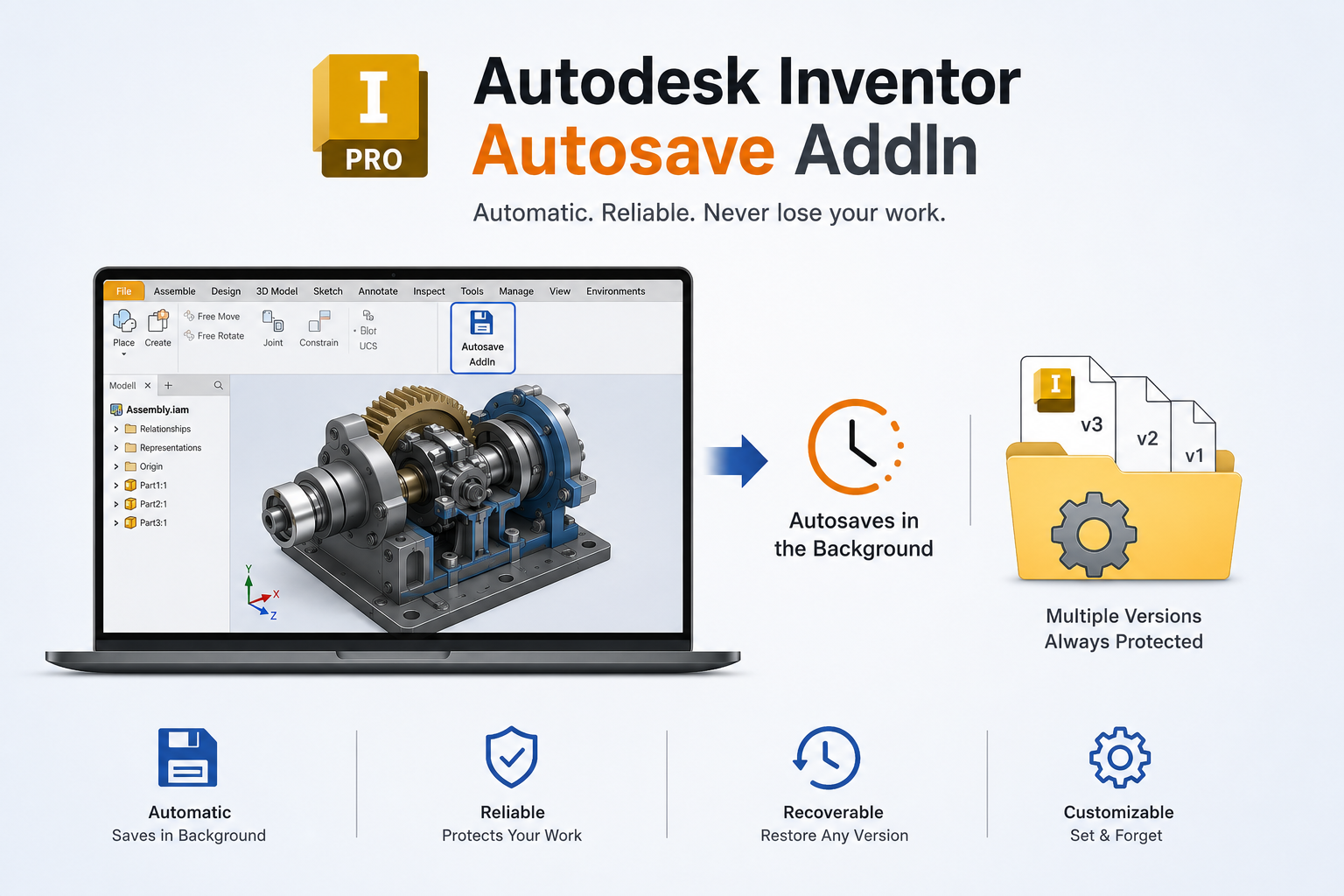
The Autosave Add-in for Autodesk Inventor optimizes document management by automating the save process. It provides the flexibility to save the current document or all open documents at user-defined intervals.
Users can define the save frequency through a customizable timer and choose whether documents are saved to their original location or to a designated custom path. This provides greater control over document management while maintaining a simple and reliable workflow.
The add-in helps ensure that engineering work is consistently and reliably saved, minimizing the risk of data loss and improving overall productivity during design activities.
See how the Autodesk Inventor Autosave Add-in automatically saves active documents at configurable intervals, helping protect engineering work without interrupting the design workflow.
Automate repetitive save operations and provide engineering teams with greater control over when and where Autodesk Inventor documents are saved.
Automatically save Autodesk Inventor documents at configured intervals to reduce the risk of losing recent engineering work.
Allow users to automatically save the currently active Inventor document according to the configured save schedule.
Save all currently open Inventor documents in a single automated operation, helping protect work across multiple active design files.
Configure the autosave timer according to the user's preferred workflow and the level of document protection required.
Define how frequently documents should be saved so the automation can adapt to different engineering workflows and project requirements.
Save documents back to their original locations while preserving the existing file organization and document workflow.
Provide the option to save documents to a designated custom path when a separate or controlled storage location is required.
Provide a straightforward interface for configuring save behavior and managing the autosave workflow without unnecessary complexity.
Explore how the Constrain Plane Toggle Add-in makes work planes and axes easier to manage during Autodesk Inventor assembly constraint operations, from quick visibility controls to automatic workspace cleanup.
Automate routine save operations to maintain a consistent document-saving workflow and reduce the risk of losing unsaved engineering work.
Spirangle delivers CAD customization, automation, integration, migration, plugin development and API solutions across leading CAD platforms and their native development technologies.










All product names, logos and trademarks are the property of their respective owners and are used only to identify supported software platforms.