Autodesk Inventor File Conversion
Convert Autodesk Inventor design files into supported neutral formats through a streamlined workflow designed for efficient CAD data exchange.
Convert Autodesk Inventor files into popular neutral CAD formats including STEP, IGES, 3D PDF, and JT through a simple and intuitive workflow designed for efficient CAD data exchange.
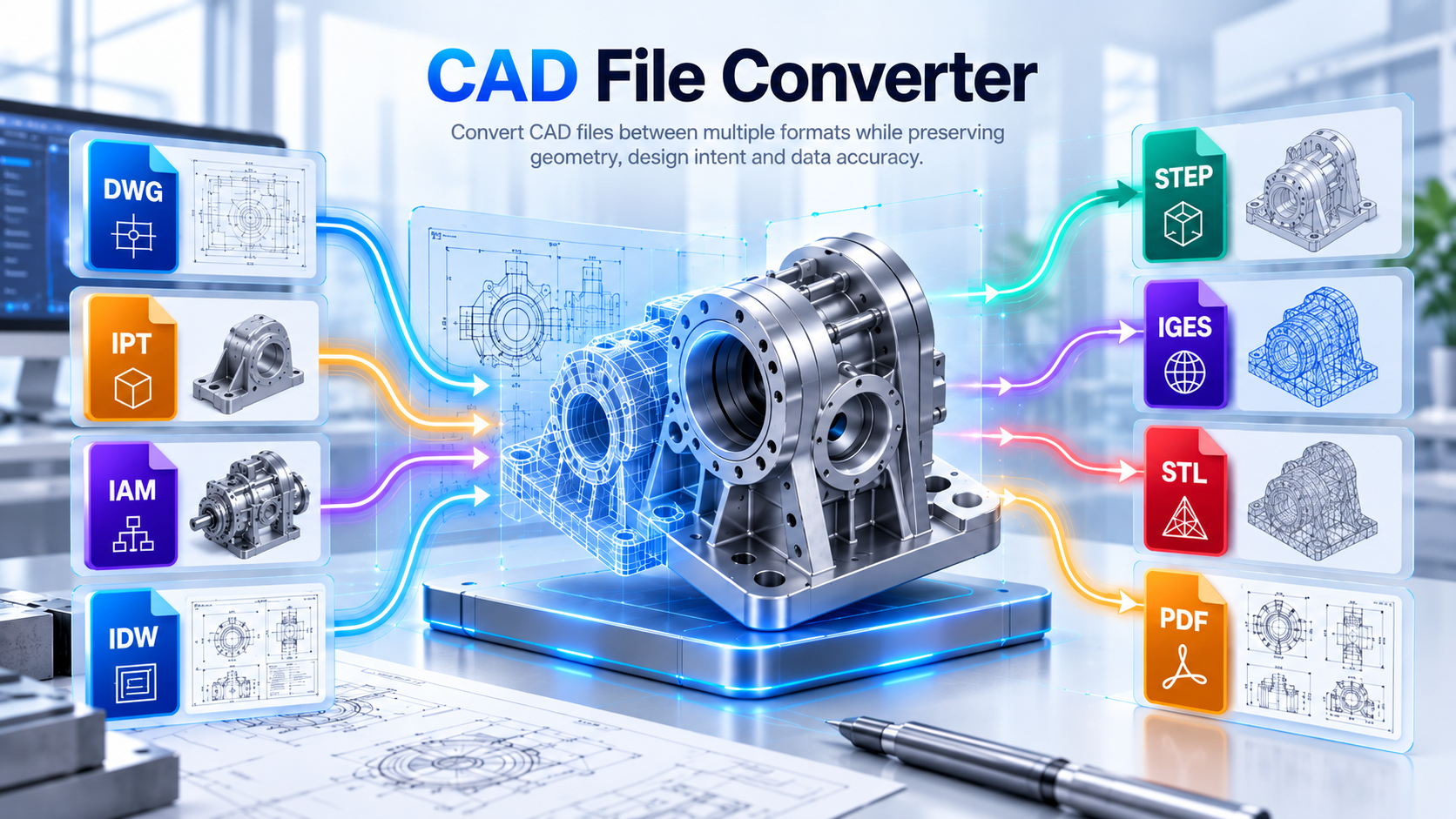
The CAD File Converter is a user-friendly tool for Autodesk Inventor that effortlessly transforms files into popular neutral formats such as STEP, IGES, 3DPDF, PDF, DWG, DXF and JT. It provides a simple way to prepare Inventor design data for use across different CAD and engineering environments.
With an intuitive interface, the tool simplifies the conversion process without requiring extensive CAD knowledge. Engineers and designers can quickly convert their Inventor files into formats that are widely supported by other CAD software and engineering applications.
By making Inventor data easier to share across different platforms, the solution supports cross-platform collaboration with customers, suppliers, manufacturing partners, and engineering teams while streamlining CAD data exchange workflows.
See how the CAD File Converter transforms Autodesk Inventor files into widely supported formats for simpler CAD data exchange and collaboration.
Convert Autodesk Inventor files into widely supported neutral formats through a simple workflow designed for engineering collaboration and cross-platform data exchange.
Convert Autodesk Inventor design files into supported neutral formats through a streamlined workflow designed for efficient CAD data exchange.
Convert Autodesk Inventor part (.ipt) and assembly (.iam) files to STEP, IGES, and 3D PDF formats for engineering collaboration and design sharing.
Convert Autodesk Inventor drawing (.idw) files to PDF, DWG, and DXF formats for technical documentation and downstream engineering workflows.
Convert individual Autodesk Inventor files into the required supported neutral or drawing formats through a simple, efficient workflow.
Provide an intuitive interface that makes CAD file conversion straightforward without requiring complex configuration or extensive CAD expertise.
Convert multiple Autodesk Inventor files from a selected directory in one workflow, with an option to include subfolders.
Make engineering design data easier to share with customers, suppliers, manufacturing partners, and teams using different CAD platforms.
Convert multiple Autodesk Inventor files in a single workflow to save time, reduce repetitive manual effort, and streamline large-scale CAD data exchange.
Explore the CAD File Converter workflow, from Autodesk Inventor input to converted neutral CAD formats for easier sharing, collaboration, and downstream engineering use.
Simplify CAD data exchange by converting Autodesk Inventor files into widely supported neutral formats for easier collaboration across different engineering environments.
Spirangle delivers CAD customization, automation, integration, migration, plugin development and API solutions across leading CAD platforms and their native development technologies.










All product names, logos and trademarks are the property of their respective owners and are used only to identify supported software platforms.